|
Set admin password
|
| Set admin password because it is empty after installing.
|
|
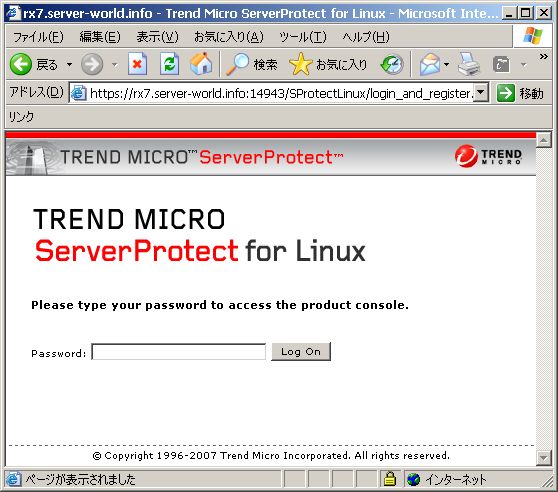
| [1] | Access with web browser to 'https://(your host):14943/', then following screen is shown and click 'Log on'. |
|
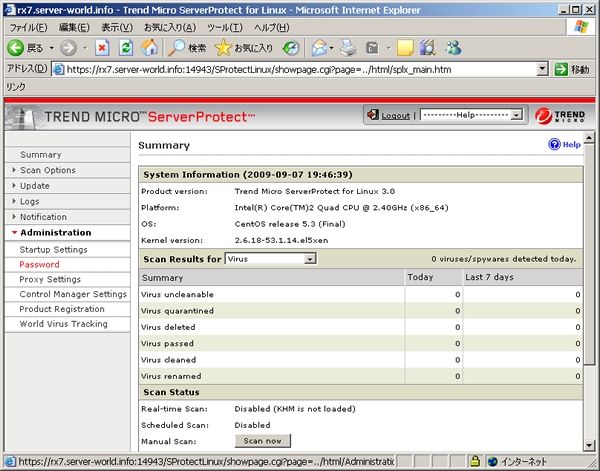
| [2] | Click 'Administration' - 'Password' on the left side. |
|
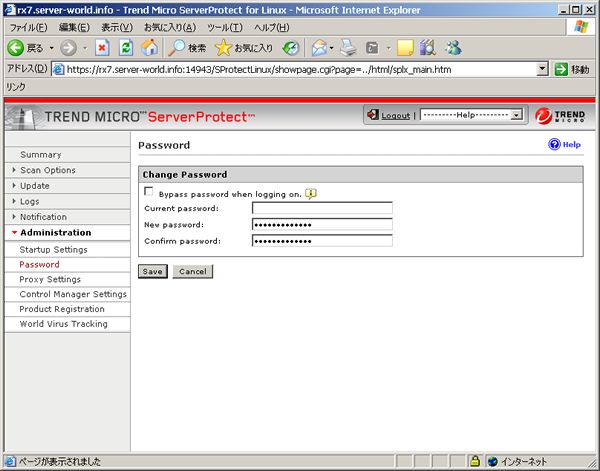
| [3] | Set password in 'New Password' section and 'Save' it. |
|
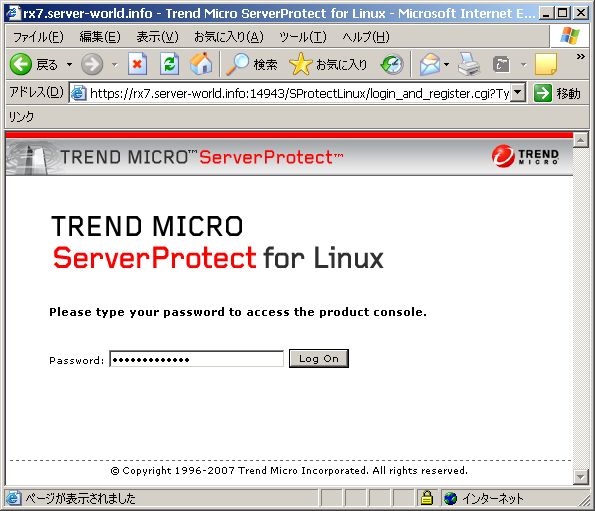
| [4] | Back to logon page and try to logon with new password. |
|